
PayPal Paga Guide 2026: Fees, Limits & How It Works in Nigeria
Highlights
Nigerians can now receive PayPal payments directly through Paga
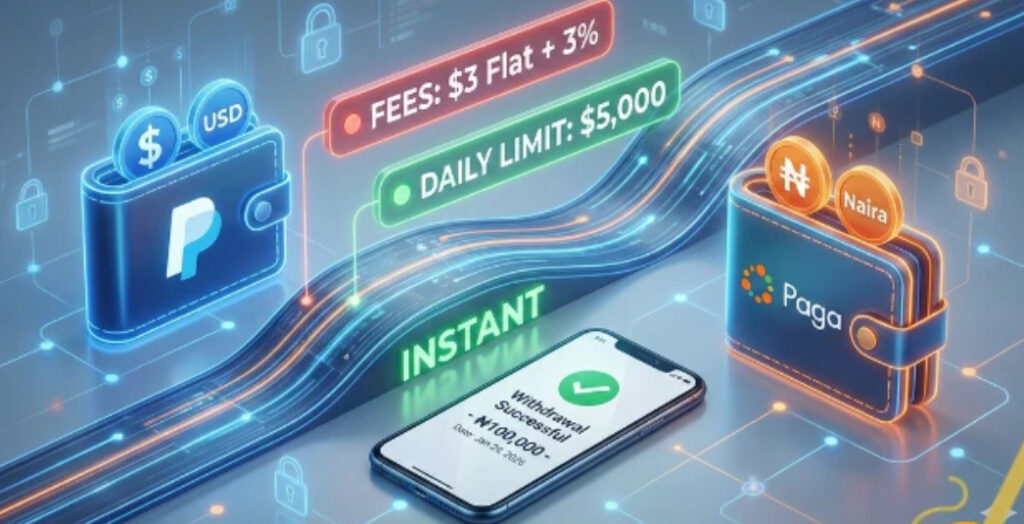
Withdrawals from PayPal to Naira are instant
Clear, fixed fees with no hidden charges
Daily withdrawal limit of up to $5,000
Funds can be spent directly inside the Paga app
For many years, PayPal users in Nigeria were limited to send-only accounts, making it difficult for freelancers and online workers to receive international payments. The official PayPal and Paga Nigeria partnership has changed that reality. With this integration now fully live, Nigerians can finally receive PayPal funds and convert them to Naira seamlessly.
This guide is not about account setup or KYC troubleshooting. Instead, it focuses on how the PayPal Paga system works in real life—how money moves, what fees apply, what limits exist, and how you can safely manage your funds in 2026.
H2: Understanding the Paga Wallet System
To use PayPal with Paga effectively, you need to understand how wallets are structured inside the Paga app. Unlike before, Paga now operates multiple wallets under one account.
Naira (NGN) Wallet
This is your primary Paga wallet. It is used for:
Bank transfers
Paying utility bills
Buying airtime and mobile data
Everyday local transactions
Any PayPal funds you withdraw eventually end up here.
PayPal Wallet
This wallet mirrors your PayPal balance inside the Paga app. When someone sends money to your PayPal NG email, the balance reflects instantly in this section. You cannot spend directly from this wallet; it is mainly for viewing and withdrawing.
USD Wallet
Paga also offers a USD wallet designed like a domiciliary account. However, in Nigeria, this wallet is still limited. It currently requires a valid US residential address, making it unavailable for most users.
How the Wallets Work Together
At the moment, PayPal Paga integration works one way only. You can move money from your PayPal wallet into your Naira wallet, but you cannot use Naira to fund PayPal. Think of it as a withdrawal bridge, not a two-way exchange.
PayPal Paga Fees Explained
One of the biggest concerns for users is cost. Fortunately, PayPal Paga fees are clearly defined and consistent.
When you withdraw money from PayPal to your Paga Naira wallet, two charges apply.
Fee Breakdown
Flat fee: $3 per withdrawal
Percentage fee: 3 percent of the withdrawal amount
Practical Example
If you withdraw $100:
$3 is deducted as a flat charge
$3 is deducted as 3 percent of $100
Total fees equal $6
You receive the Naira value of $94
Smart Withdrawal Tip
Because the $3 flat fee applies to every transaction, withdrawing larger amounts less frequently saves money compared to making many small withdrawals.
Withdrawal Limits and Rules
To meet international compliance standards, PayPal and Paga apply certain limits.
Key Limits
Daily withdrawal limit: $5,000
Minimum withdrawal amount: $4
Account condition: PayPal account must not be restricted or limited
Important Clarification
The $5,000 PayPal withdrawal limit is separate from your Paga KYC tier. As long as your Paga verification level allows you to hold the converted Naira value, you can withdraw the full amount.
How PayPal Withdrawals Work Instantly
Once payment is sent to your PayPal NG email, it appears in your Paga app immediately. This happens because of permissions granted during the initial account linking.
Permissions You Authorize
When connecting PayPal to Paga, you allow Paga to:
View your PayPal balance
Create and manage payouts
Transfer funds on your behalf
Sync your eligible Paga wallets
Because these permissions are already active, you are not prompted to approve each transaction manually. This is why withdrawals are instant.
Step-by-Step: Withdrawing PayPal to Naira
Step 1
Open the Paga app and log into your account.
Step 2
Tap the PayPal section on your dashboard.
Step 3
Select the withdrawal option.
Step 4
Enter the USD amount you want to withdraw.
Step 5
Review the displayed exchange rate and fees.
Step 6
Confirm the transaction. Your Naira wallet is credited immediately.
What You Can Do After Withdrawal
Once funds are in your Paga Naira wallet, you are not limited to bank transfers alone.
Common Uses
Pay electricity and cable TV bills
Buy airtime and mobile data
Transfer to Nigerian bank accounts
Pay for goods and services using Paga virtual cards
- Make payment, for job, educational career and fellowship travel
This flexibility makes Paga more than just a withdrawal tool.
Safety Guidelines for PayPal Paga Users
To avoid account issues, follow these essential rules.
Name Consistency
Your Paga account name must exactly match your PayPal account name. Any mismatch can cause linking or withdrawal failures.
One PayPal per Paga Account
You can only connect one PayPal account to a single Paga profile.
Avoid VPN Usage
Always log into your PayPal account from Nigeria. Using VPNs or foreign IP addresses may trigger security reviews or account limitations.
Frequently Asked Questions
Can I send money from Paga to PayPal?
No. The integration currently supports receiving and withdrawing only.
Does this work with US or UK PayPal accounts?
No. Only PayPal Nigeria accounts are supported.
How long does withdrawal take?
Withdrawals are instant once confirmed inside the Paga app.
Conclusion
The PayPal Paga partnership has transformed how Nigerians receive international payments. With instant withdrawals, transparent fees, and direct Naira access, freelancers and online earners finally have a reliable solution. While the system is currently one-way, it remains one of the most practical PayPal withdrawal options available in Nigeria in 2026.
If you manage your withdrawals wisely, follow safety rules, and understand the fee structure, PayPal Paga can become a powerful tool for handling foreign income smoothly and securely.
For more interesting article like this:- Free Android games, free Android apps, free softwares, Gadget Reviews, comparisons, troubleshooting guides, listicles, and tips & tricks related to Windows, Android, iOS, and macOS, follow us on Google News, Facebook, Instagram, Twitter, YouTube, and Pinterest.
Let Us Know Your Thoughts
Submit Your Correction