
News
How to Clear Search History on Instagram


When you search for something on Instagram, the platform saves that search term in your account history. You can clear this search history whenever you want, and we’ll show you how.
Clear Search History on Instagram on Mobile
On your iPhone or Android phone, use the Instagram app to clear your search history. To start, launch the Instagram app on your phone. In the app’s bottom-right corner, tap your profile icon.

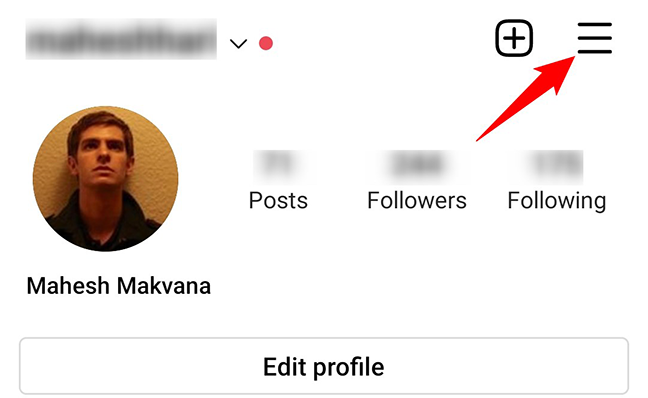
On the profile page, in the top-right corner, tap the hamburger menu (three horizontal lines).
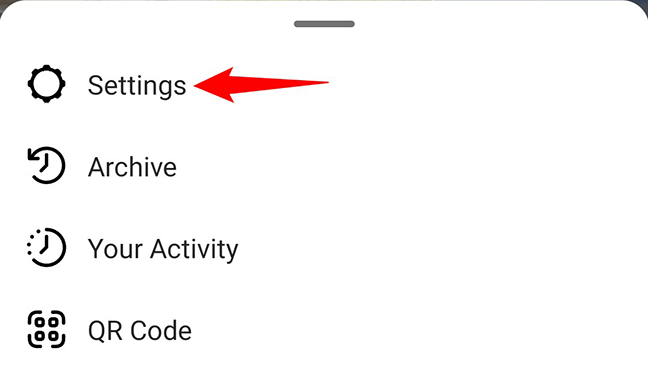
In the hamburger menu, tap “Settings.”
On the “Settings” page that opens, tap “Security.”

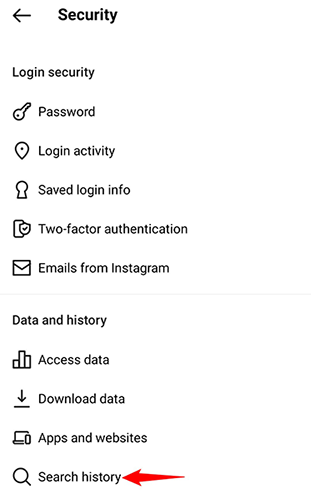
You are now on the “Security” page. If you are on an Android phone, tap the “Search History” option. If you are on an iPhone, tap “Clear Search History.”
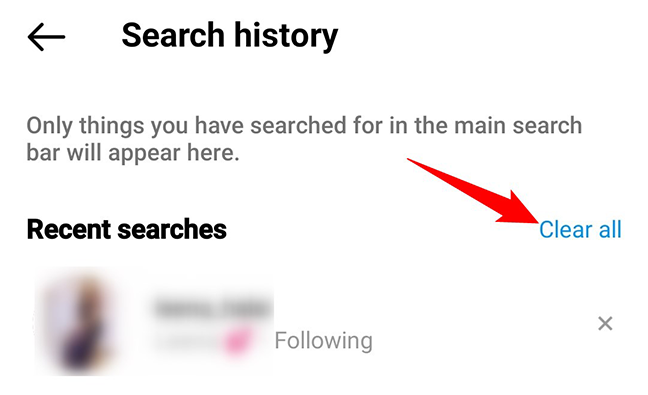
Instagram will open your search history page. To delete this history, then at the top of the page, tap “Clear All.”
In the “Clear Search History” prompt, tap “Clear All” again.
Warning: Make sure you really want to delete your search history as you can’t restore it once it is removed.
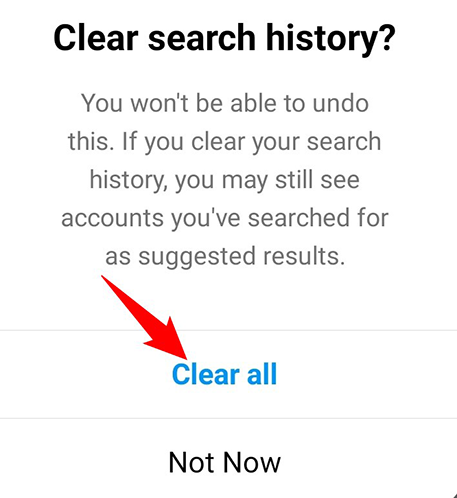
And that’s it. Your Instagram search history is now empty.
Clear Search History on Instagram on Desktop
On a desktop computer like Windows, Mac, Linux, or Chromebook, use the Instagram website to clear your search history.
First, open a web browser on your computer and launch the Instagram site. On the site, log in to your account.
In Instagram’s top-right corner, click your profile icon.
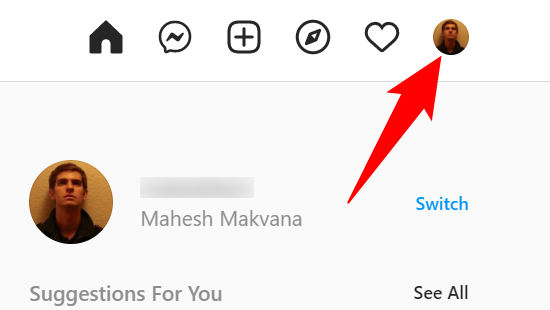
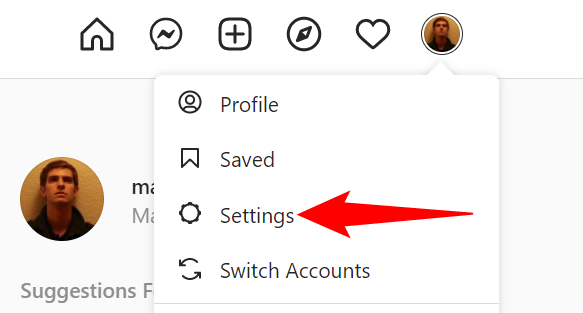
In the profile menu that opens, click “Settings.”
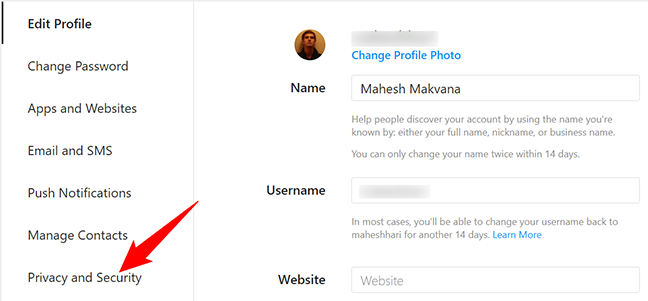
On the settings page, in the left sidebar, click “Privacy and Security.”
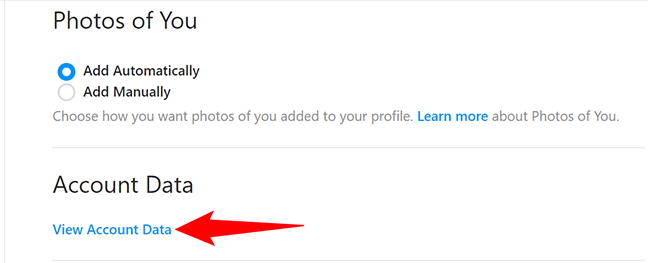
In the pane on the right, under “Account Data,” click “View Account Data.”
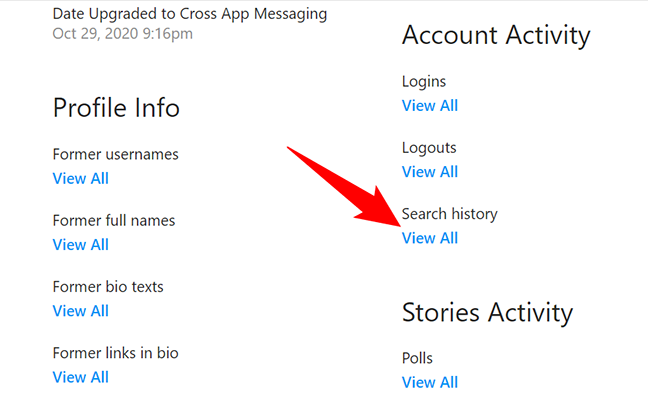
In the “Account Activity” section, beneath “Search History,” click “View All.”
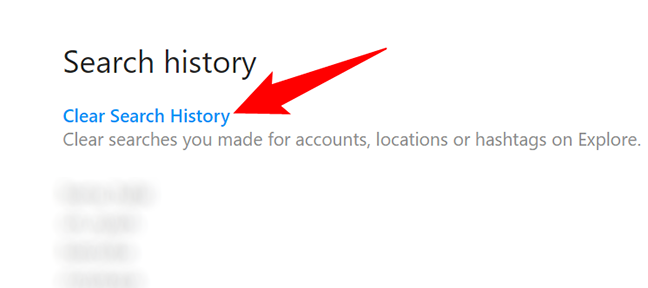
Your entire search history will be presented. To clear this, at the top of the page, click “Clear Search History.”
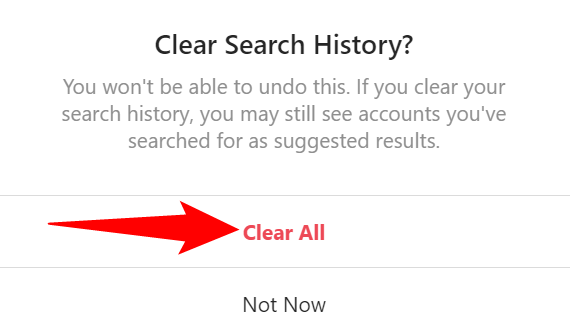
A “Clear Search History” prompt will open. Click “Clear All” to proceed.
And your Instagram search history is now all cleared. Happy browsing!
If you want, you can clear your Facebook search history in a similar way.


