
News
How to Use Gmail on an Amazon Fire Tablet

Naijatechnews | All images and videos are copyrighted to their respective owners
Amazon Fire tablets famously do not come with any Google services out of the box. However, you’re not out of luck if you want to use Gmail on your affordable Fire tablet. There are actually several methods to do it.
Amazon Email App
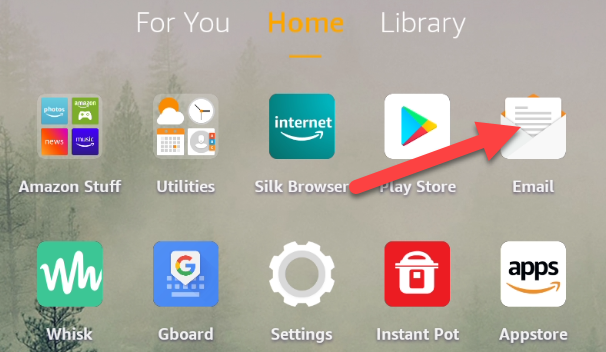
The first method doesn’t require you to download any apps on your Fire tablet. We can use the email app that comes pre-installed by Amazon.
 Naijatechnews | All images and videos are copyrighted to their respective owners
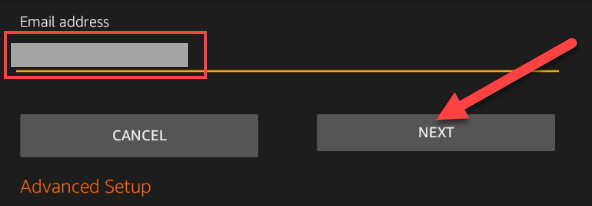
Next, type your Gmail address in the text box and tap “Next.”
 Naijatechnews | All images and videos are copyrighted to their respective owners
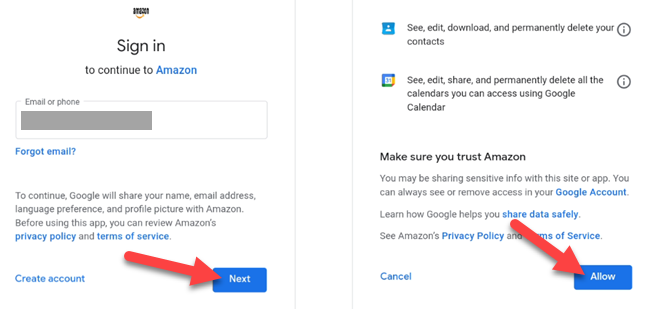
You’ll be taken to a Google sign-in page. Follow the instructions to sign in to your Gmail and “Allow” Amazon access to your account.
 Naijatechnews | All images and videos are copyrighted to their respective owners
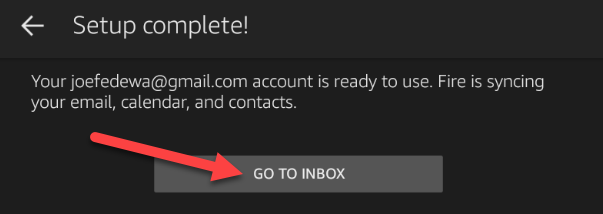
After you’re done with that, the next screen will say “Setup Complete!” You can now “Go to Inbox.” It will take a few minutes for everything to sync.
 Naijatechnews | All images and videos are copyrighted to their respective owners
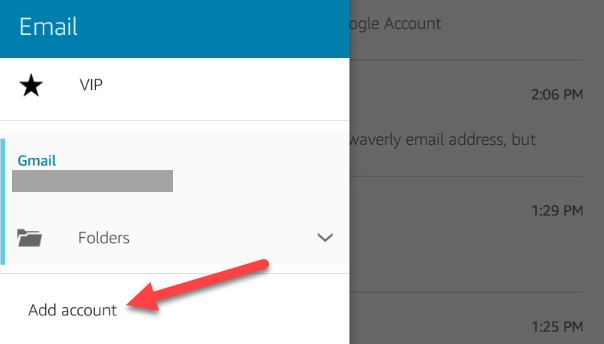
If you previously added an email account to the app, you can add a Gmail account by opening the sidebar menu and selecting “Add Account.”
 Naijatechnews | All images and videos are copyrighted to their respective owners
Silk Browser
The second method also doesn’t require you to download any apps, but it’s a little more low-tech. Your Fire tablet has a web browser and Gmail has a website. You can simply use Gmail in the browser.
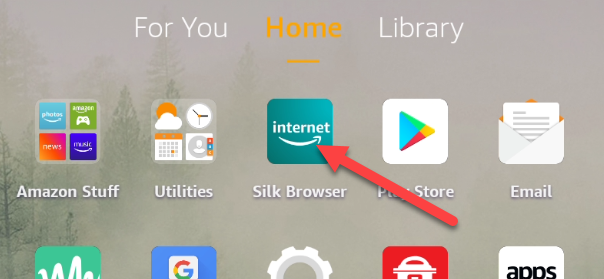
First, open “Silk Browser.” This is Amazon’s custom browser for Fire tablets.
 Naijatechnews | All images and videos are copyrighted to their respective owners
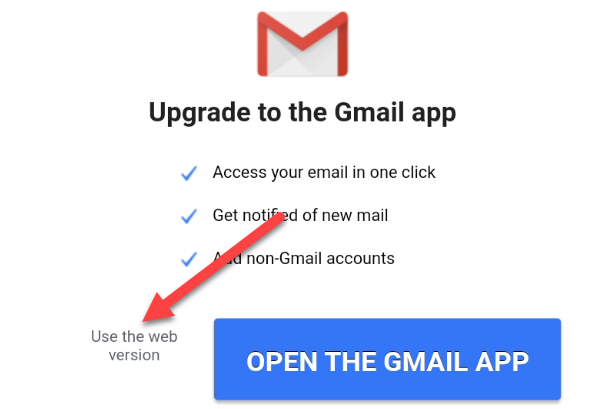
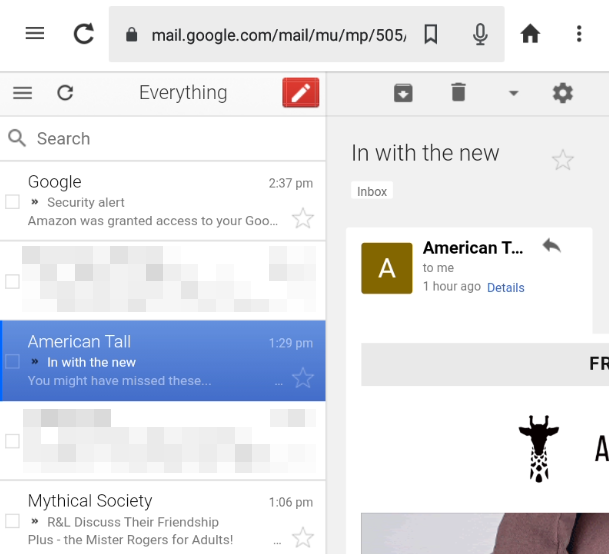
Simply go to Gmail.com and sign in to your account. Google will try to get you to use the Gmail app, but you can tap “Use the Web Version.”
 Naijatechnews | All images and videos are copyrighted to their respective owners
That’s it! You can now use the Gmail website just like you would use it on a computer.
 Naijatechnews | All images and videos are copyrighted to their respective owners
Official Gmail App
The last method requires the most work, but when you’re done, you’ll have Google’s official Gmail app. In order to do this, you’ll need the Google Play Store. It’s not difficult to install the Play Store on a Fire tablet, but you do need to follow the steps closely. Read our in-depth guide for the full process.
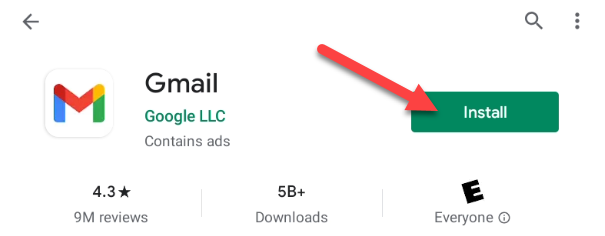
Once you’ve finished getting the Play Store set up, you can simply search for “Gmail” and install it just like you would on any Android device.
 Naijatechnews | All images and videos are copyrighted to their respective owners
Now, you get the full-fledged Gmail experience on your Amazon Fire tablet! You’re never stuck using the things that Amazon pre-installs on Fire tablets.


