
News
Introducing the BankBox by Raven – Your Compact Business Payment Solution

Are you a business owner looking for a more efficient way to receive payments from your customers? Or maybe you need a POS system for your business but can’t seem to get one? Then you need a BankBox!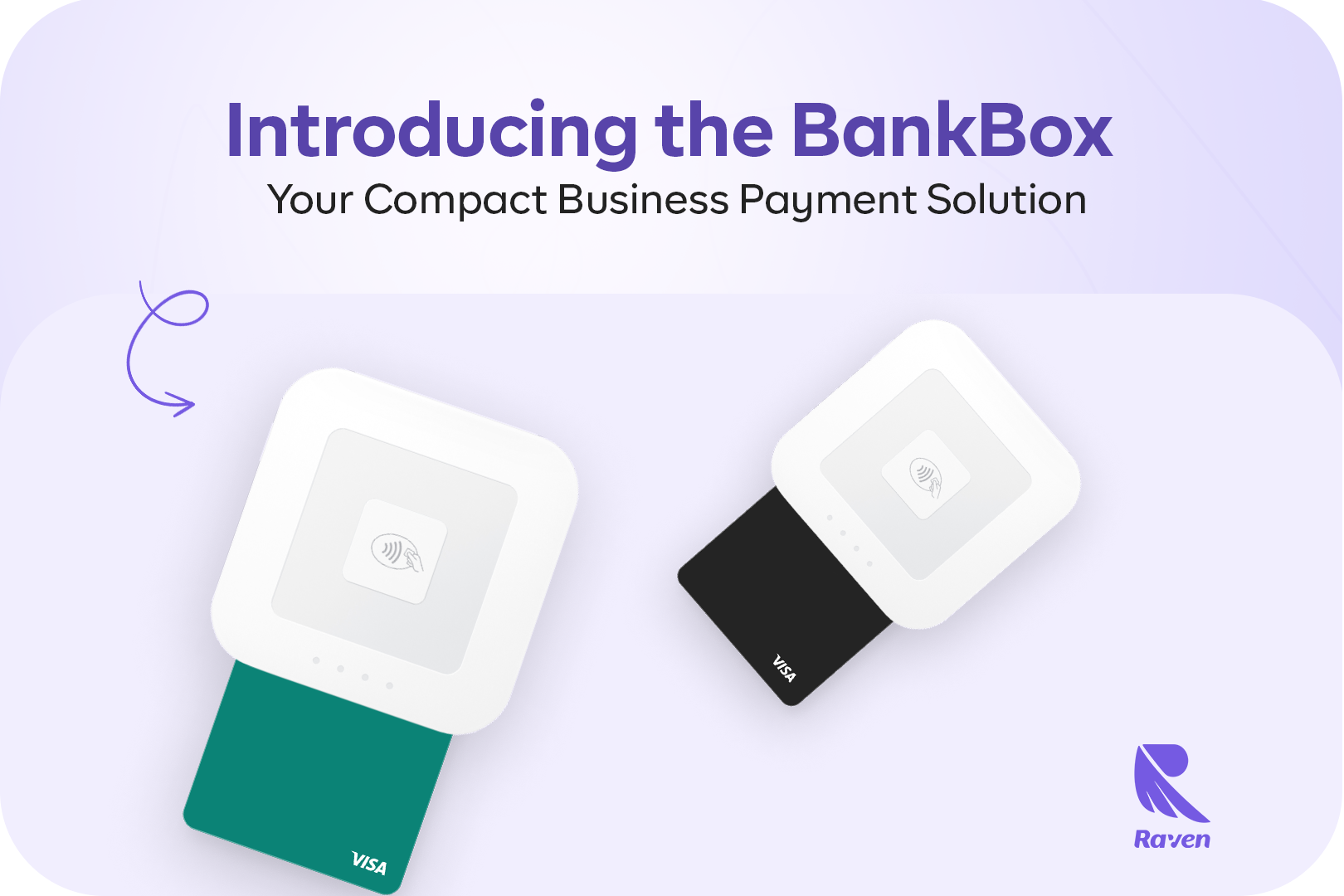
The BankBox is our newly improved version of the Raven POS. Similar to its predecessor, this device allows you to process offline payments.
Compact, Convenient, and Cost-Effective
Just like its name, the BankBox combines all the features of a bank into a compact payment device allowing you to receive card payments from your customers. With just one swipe, your customers can conveniently pay you using their cards just like other POS devices.
However, unlike traditional POS terminals, the BankBox is much easier to acquire, all you have to do is download the BankBox app to your Android or iOS device.
This payment device also features a compact size, which makes it much easier to move around, a long-lasting battery life of up to 5 days, and multi-device compatibility. Allowing your riders to initiate payments from their mobile devices and customers to complete these payments using their own devices.
Pricing
- Device fee: NGN20,000
- Transaction fee: 0.35% capped 50 NGN
- Statutory fee: 5 NGN per transaction
You can request a BankBox for just 20,000 Naira and the great thing about this is once you get one, it’s yours for life.
So say goodbye to exorbitant transaction fees. Unlike other POS terminals, we offer a competitive rate of only 0.35%, capped at 50 NGN on all transactions made using the BankBox. This means you can maximize your revenue without worrying about excessive charges eating into your profits.

To request a BankBox, download the BankBox app from the Play Store or App Store, or simply click HERE.
Create an account and provide the necessary information.
Select “BankBox Payment” from the “Quick Actions” list on the homepage.
Click “Terminal” and “Request Terminal,” providing your business information and selecting “Proceed.”
Choose your preferred delivery option: pick up from our Lekki Phase 1 office or opt for home delivery for a small fee.
How to Use Your BankBox Terminal
Once you receive your new BankBox terminal:
Open the BankBox app and select “BankBox Payment” to initiate a transaction.
Select “Process Payment” and choose the payment method. In this case, “Card Payment.”
Enter the transaction amount and insert the card.
Select your BankBox and click “Connect to device.”
Complete the transaction by allowing the customer to enter their card PIN.
Alternatively, customers can effortlessly make payments by downloading the BankBox app and initiating transactions as guests.
To learn more about the BankBox, watch this informative video: Watch Here
Discover how the BankBox can revolutionise the way you handle payments and take your business to new heights of efficiency and convenience. If you have any questions or concerns, kindly contact us at 0818 388 8882 or via the live chat feature on the app.


