
News
How to Download Link of Movies/Series/Games/Music/books/software Using FileChef

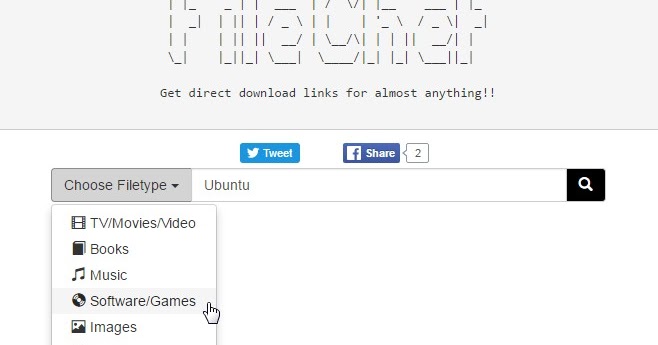
FileChef – I recently shared how to get directly download link of any movies of your choice you are looking for on the internet, but today I’m going to share with you how to get direct download link of almost everything from the internet.
By everything, I mean TV/Movies/Videos, music, books, games, software, images and lot more. See this as an advance search engine at your finger tip.
FileChef provides links to Direct Download from the Internet. It supports formats for videos, audios, documents and software. It harnesses the power of Advanced Search to find Open Directories on Internet.
All you need to do is download it, install it, enter your desired file name, it will lead you to the directories where it can be downloaded and you can begin your download.
FileChef Supported Devices
It supports Android and PC… for iOS users, you can just go to FileChef.com
For Android users, download it here
[appbox googleplay com.zqlabs.filechef&hl=en]
No stress, no copy and paste… but just downloads at your finger tip.
Let us know if you’ve been using this already and if you find this post helpful.
READ NEXT


